Lantern Isles ferry guide
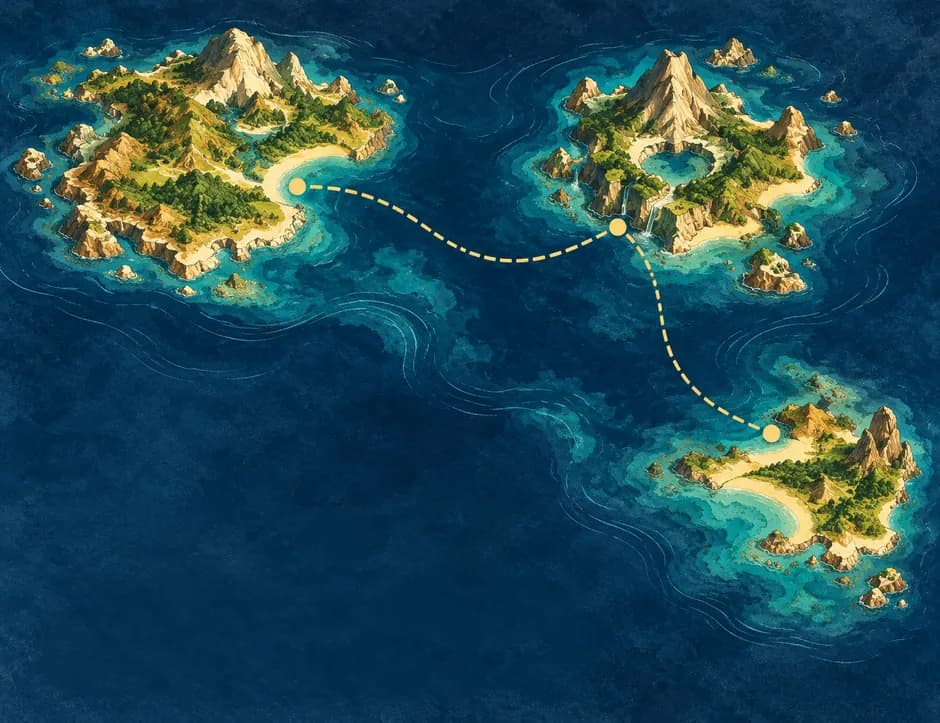 lantern-isles.example
MDX-LNK·104
[ Other ]
Which boat reaches the outer islands before the lamps are lit.
14.2.2026Collect, visualize, and connect bookmarks, DOI papers, notes, and snippets in one focused workspace.
Drag to spin. Pull a card. Tap one to read it.
Every link, paper, note and snippet becomes a card in your space.
Paste a link or DOI, an article, some code or a quick thought. Mindex fills in titles and previews where it can, and every type keeps its colour on your map.
Save on your current device with Free, or sync across devices with Pro. Export your collection whenever you need a backup.
Compare Free and Pro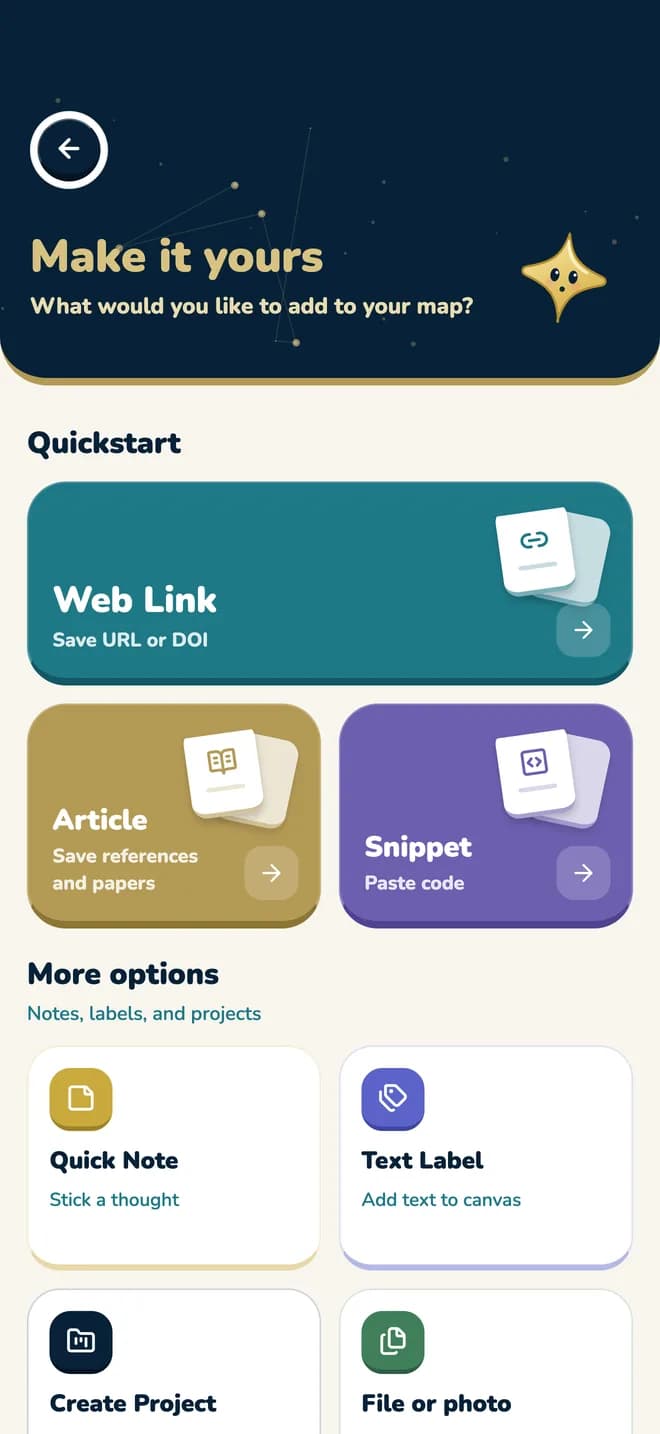
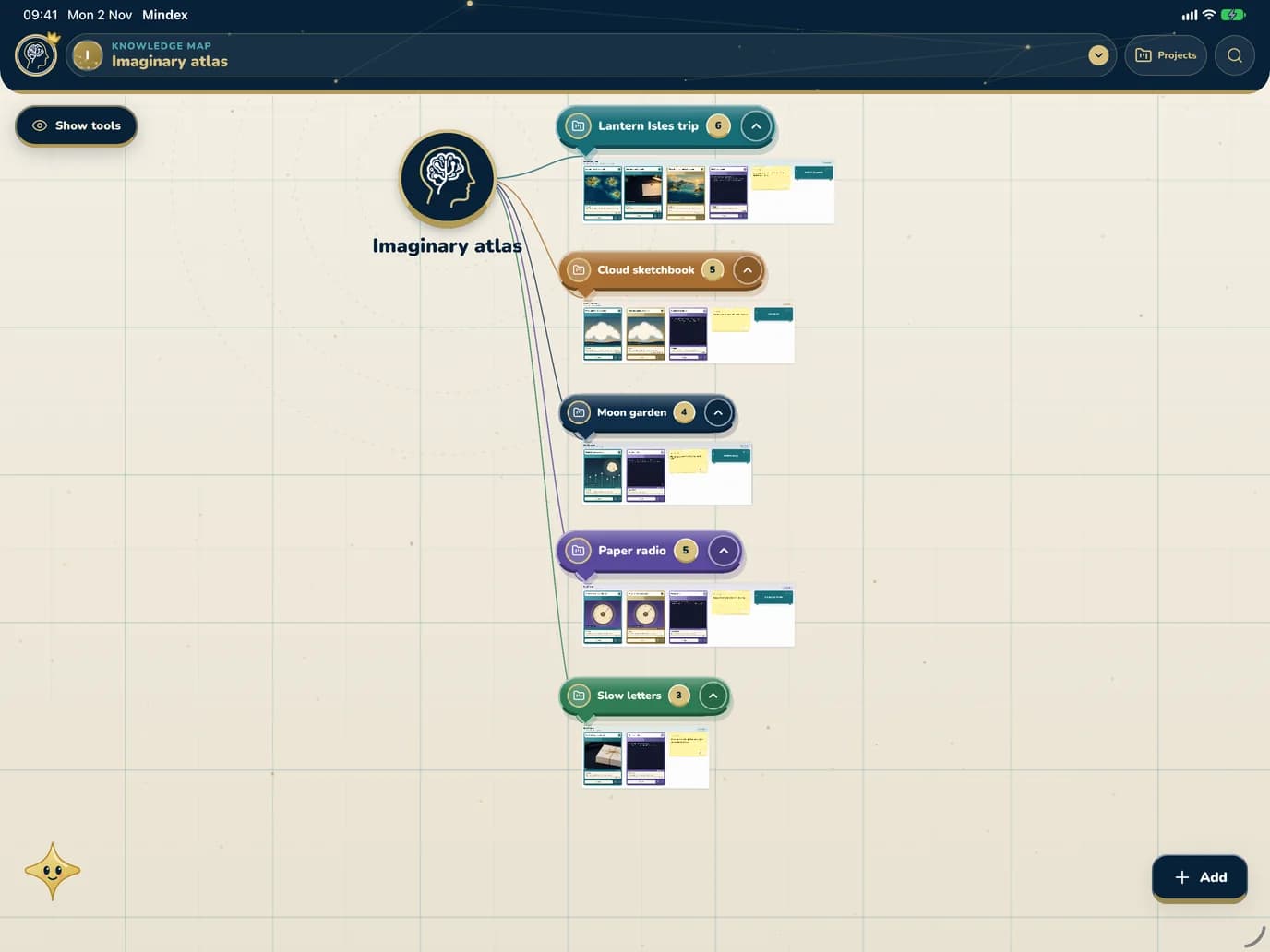
Group cards into projects, drag them to where they make sense and label the map in your own words.
Each card and project can be moved: focus it and use the arrow keys, or drag it. Project buttons open and close a project. Everything on this sample map is invented.
 Imaginary atlas
Everything for a journey to islands that do not exist.
lantern-isles.exampleWhich boat reaches the outer islands before the lamps are lit.
14.2.2026 Journal of Imaginary Coasts
Why the harbour at Low Wick is only open at the full moon.
A. EXAMPLE ET AL.Picks the next departure from the timetable.
3 LINESPack the blue tent. Ask about the lighthouse stairs.
Clouds worth drawing again.
Try the tall one at dusk, with less grey.
A garden that only opens at night.
Water only under a full moon.
2 LINESPlant the silver ferns by the north wall.
Sample map, invented content
Drag a card. Open a project.
Zoom from every project at once down to a single card, or search and go straight there.
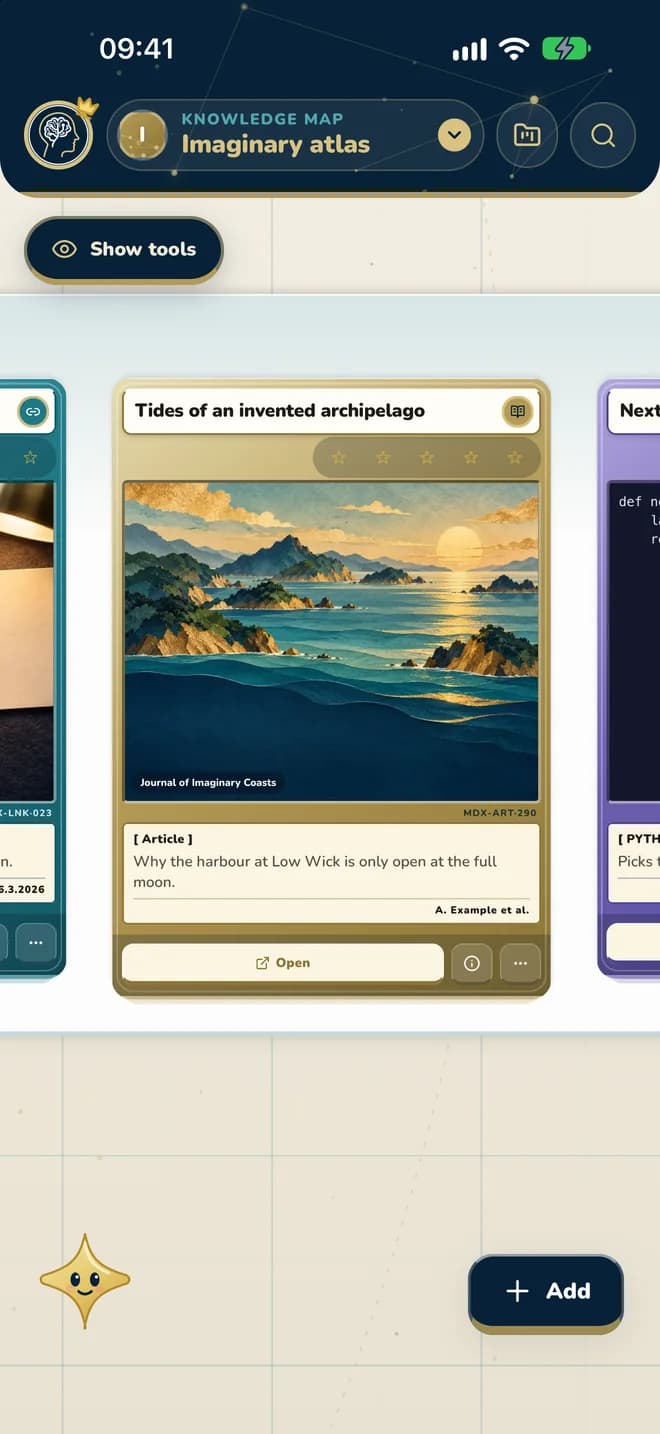
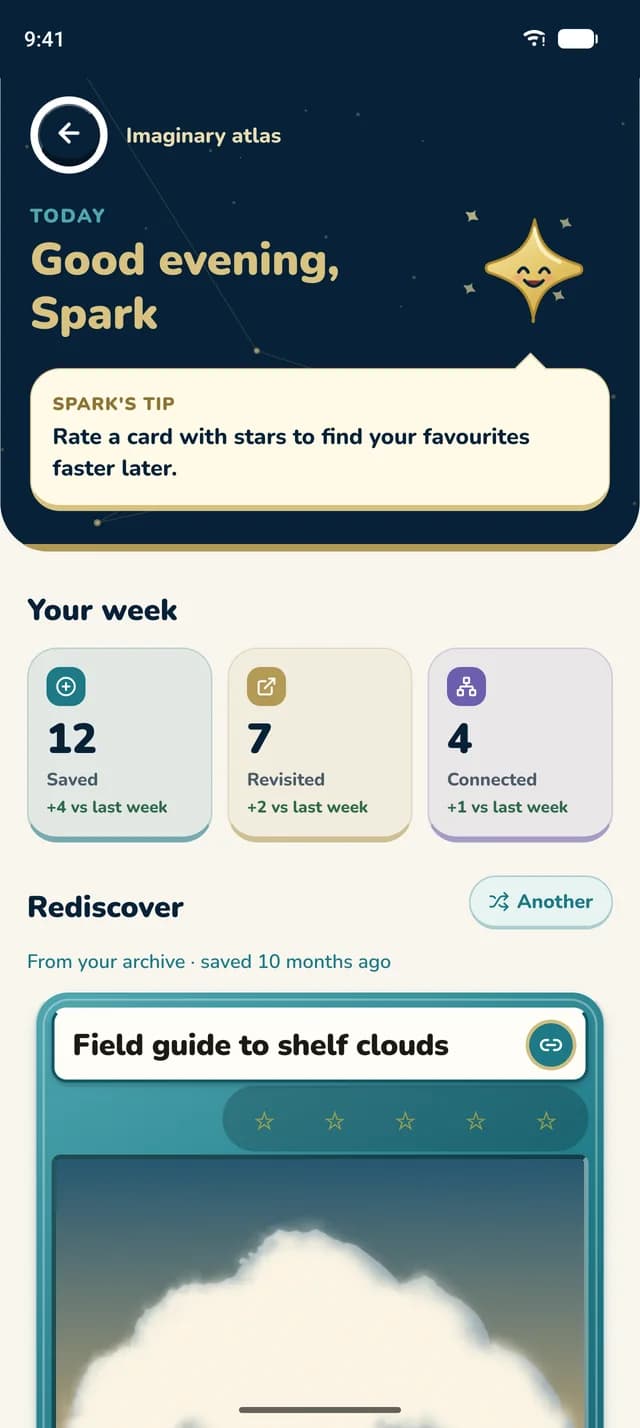
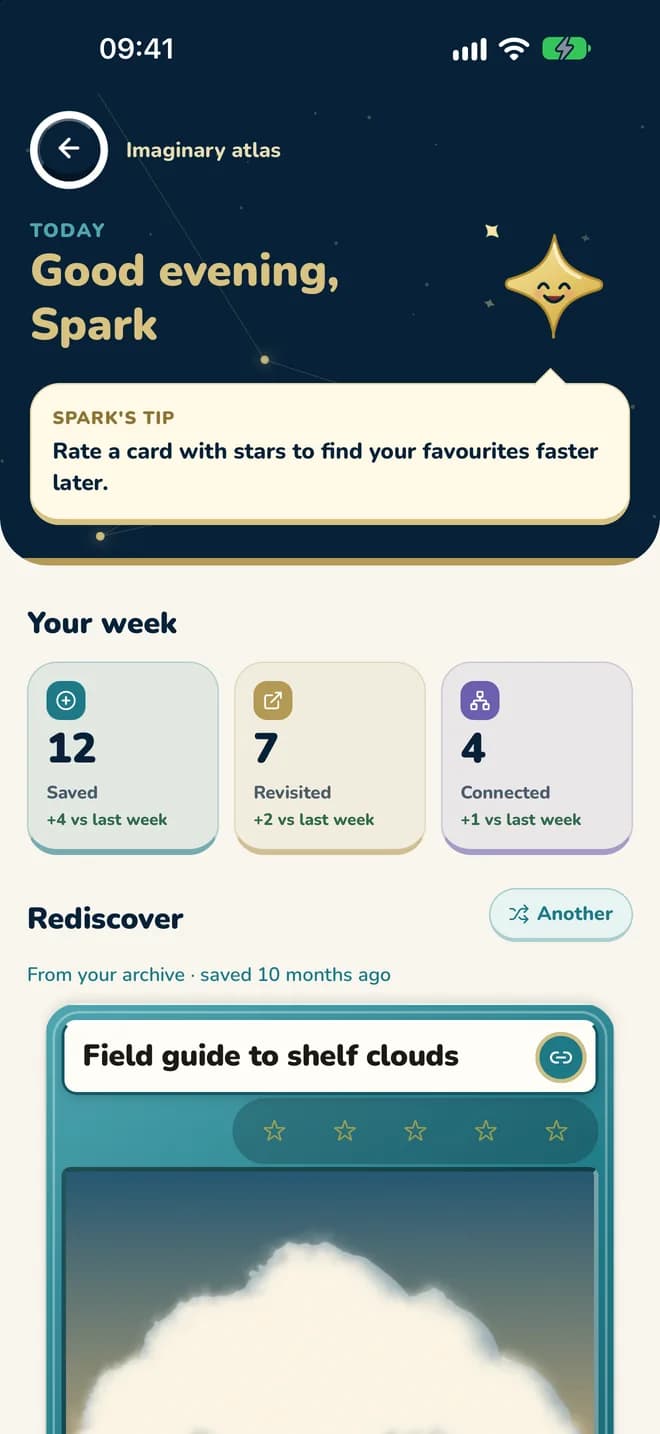
Spark lives on your map. Every day it greets you, shows how your week went and brings back something you saved a while ago.

Whether learning, building, or creating – the map adapts to your flow.
 Students
Save articles, cite sources, and export LaTeX references without spreadsheets.
 Creators
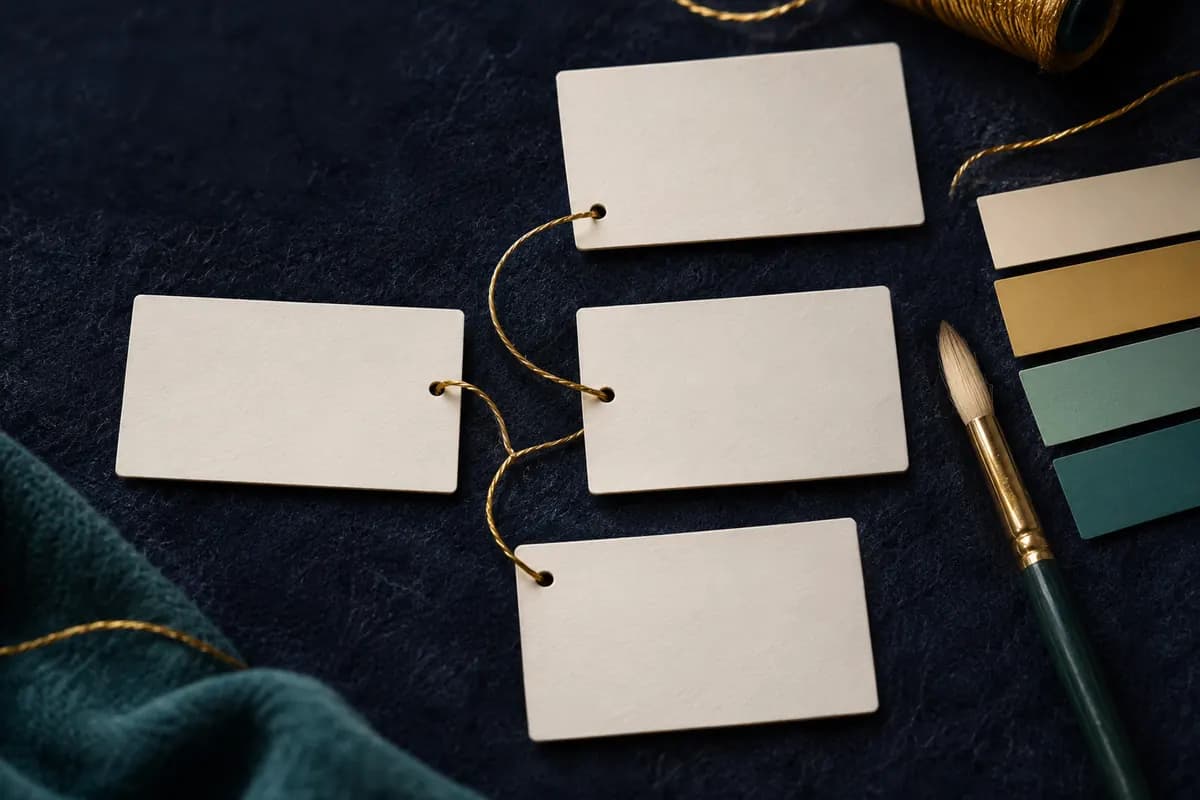
Links, notes, and text labels stay draggable, color-coded, and easy to revisit.
 Researchers
Keep article links, abstracts, citations, and structured metadata together.
 Developers
Store scripts, API calls, and design tokens right next to their sources.
 Everyone
Travel, recipes, workouts. Organize everything as cards to zoom through.
Both plans have limits, and here they are. The App Store or Google Play shows the price and renewal terms before you buy.
750cards
4 spaces and 25 projects
The limits of each plan.
New file and PDF uploads are turned off in this release.
Everything about ProStart for free, keep your workspace private, and export your collection whenever you need it.